

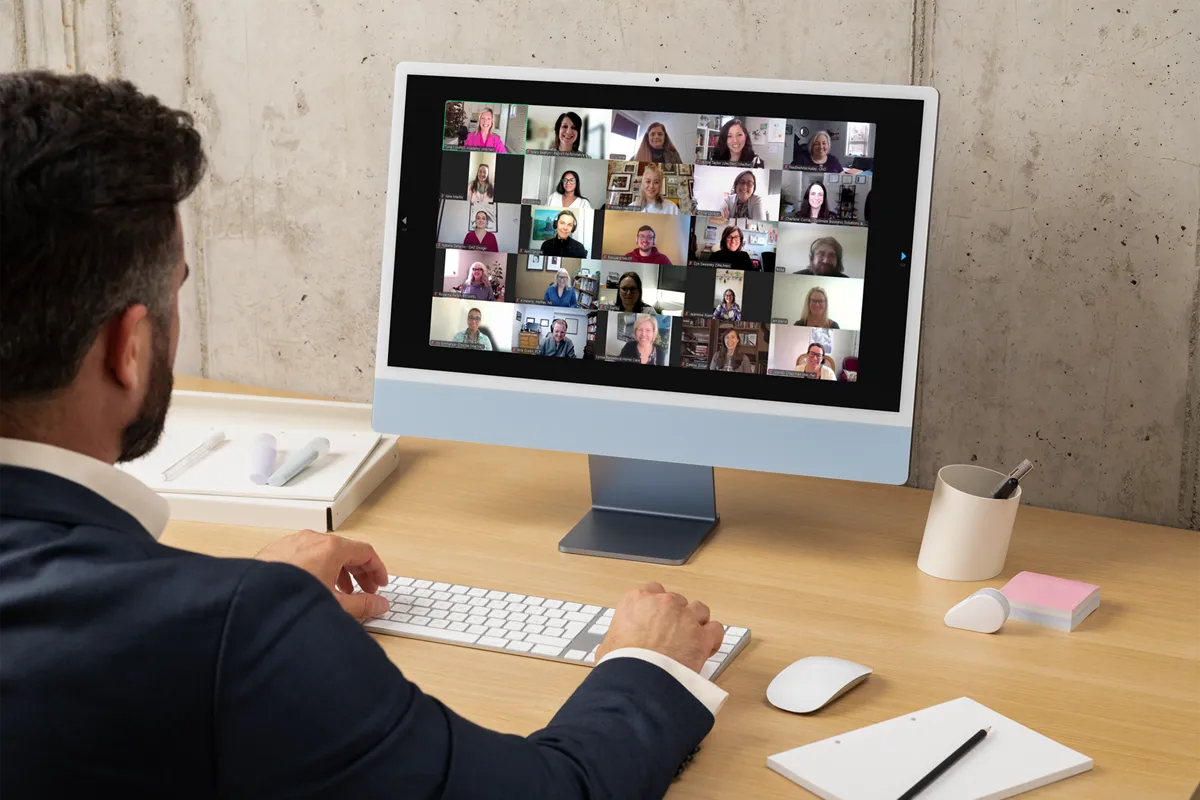
Optimizing Online Learning During The Event
In a previous blog post, I talked about a few planning and design strategies for optimizing the online learning experience. Following that, I received emails and direct messages from people who were either considering implementing an online program or had done so and wanted to refine their process.
Some asked about maximizing engagement and minimizing their audience’s tendency for multi-tasking.
Others challenged my best practices (which I love, by the way), suggesting they wouldn’t work with their particular audiences – my reaction is consistently, “you know your audience better than I do, but let’s hold off on saying it won’t work until after you’ve tried it.”
Fact is, some strategies will work better with certain audiences. There are differences with respect to facilitating an online workshop with a small internal team compared with that involving a large external group of participants. What I mean by that is, let’s say you are talking about online learning with a public audience; for example, a free webinar for which anyone can sign up. If you are allowing 500 people to attend, inviting and answering participant questions mid-webinar will prove to be more disruptive than productive or engaging. It will be virtually (see what I did there) impossible for you to keep up with the chat box and still present your information.
One of my best practices is to limit your audience size to one where engagement can be entrenched in the experience; however, the reality is, if you are offering a recorded session that will be shared with participants afterwards, you can get away with a rapid-fire share of quick hits of information to a muted audience. My preference is to view those as the exception, not sanction.
Whether your audiences are the general public or a group of internal employees, here are a few of my best practices for you to incorporate during your next online learning event:
Pay close mind to timing. Start your sessions early to you are there to greet them as they log in; keep sessions brief (between 15 and 60 minutes); and, stop on time with the option for those to say on longer by choice for optional, additional content and/or questions.
Keep them busy. Within the first few moments of an online session, participants will determine whether they are going to disengage and multitask throughout. To minimize that, stimulate their thinking by posing questions, using effective visuals, inviting poll participation, or tasking them with chat responses.
Acknowledge the experience and expertise with which the audience is coming into the event. Call on the audience to offer alternatives, variations, or differing perspectives. Ask for their suggestions based on their industry, field, experience, and content. In my experience, there are some real gems that they might bring forward that not only offers value to the other participants, but to your future events as you continuously refine your presentations.
Vary your content, chunk it up, and channel your audience’s focus. Let them know, upfront, what the experience will be like and what they can expect as a result of being part of the learning event. Let them know what you plan to cover and what you will not be covering.
Use the tools at your disposal. Avail yourself to the features of the given platform. Some offer chat boxes, whiteboards, screen sharing, polling, annotations, and/or ‘likes’ or other icons for feedback (such as ‘slow down’ to tell the facilitator to adjust the speed of their delivery). Call on the audience to utilize the options to gauge engagement and comprehension of the material.
While there are tonnes of other practical tips for optimizing the engagement of your online audiences, my recommendation is to incorporate one or two with each iteration rather than trying all techniques in your first event. As with anything, online facilitation gets easier with practice.
Being upfront with your participants if you are new to the technology or to the delivery method allows you to take a bit of pressure off yourself. If something doesn’t work as intended, have a backup plan or simply move on. Your participants are less concerned about a poll malfunctioning than they are about the nuggets of information and helpful advice you are imparting.
You know your stuff. Present it. And, if you need help, contact us.